Creating Lobbies and Arenas#
In order to set up a game, you need to set up both a lobby and an arena. Both lobbies and arenas are stored in schematics. There is a “host-world” for both the lobby and arena, which are what the schematic is copied from when creating new lobbies or arenas.
Using the Demo#
Murder Run provides you with an example lobby and arena that you can use! Run the /murder demo command, which will
prompt you with a message. Run the command again to load the demo lobby and arena that you can use. They’re named
TestLobby and TestArena.
Note
After loading the demo, you still need to spawn the NPC shops. You can see the note under #lobby-commands to figure out
how to spawn the NPCs in. To teleport to your demo world, I recommend using a world plugin such as Multiverse
to configure your worlds. If not, you can always run the /execute in <dimension> run tp <x> <y> <z> command to teleport
to your specific dimension. This might be a bit hard to understand, but feel free to ask in the support Discord!
Warning
Any existing lobbies and arenas that have the name TestLobby and TestArena will be overwritten. This is meant to be used for a fresh installation only for testing purposes!
Recommended Way#
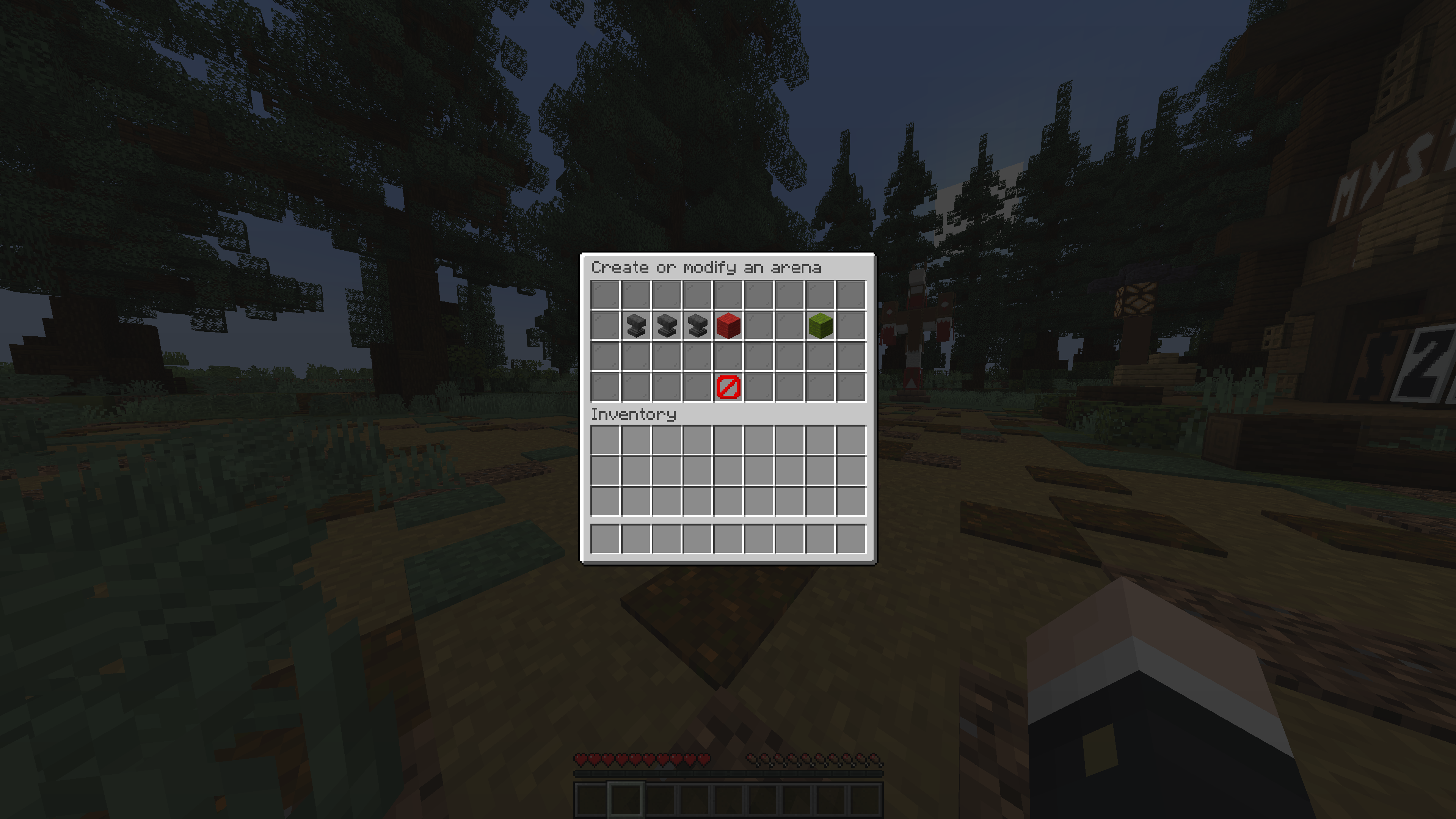
The recommended way is to use a GUI to set up both. To use the GUI, run the /murder gui command, and click on each
specific item that you want to set up or not. You can also create games using the GUI. The rest of this guide will be
dedicated to using solely commands
Lobby Commands#
Setting Up a Lobby#
To set up a lobby using commands, here are the steps needed:
Run the
/murder lobby set name <name>command, where you replacewith your desired lobby name Fly to your lobby spawn and run the
/murder lobby set spawnto set the lobby spawn-pointLobbies are 3D rectangular regions. Fly to the first corner and then run the
/murder lobby set first-cornercommandFly directly to the opposite corner and then run the
/murder lobby set second-cornercommand to define your regionRun the
/murder lobby createcommand to create your new lobby
Note
After you create your lobby, you want to create NPC shops for the gadgets and abilities. There are four NPCs in total
(one NPC selling gadgets to killers, one NPC selling abilities to killers, one NPC selling gadgets to survivors, and
one NPC selling abilities to survivors). To spawn them, run the /murder npc spawn <ability | gadget> <killer | survivor>
commands. You’re able to specify the skins and names via the game.properties and locale properties file respectively
(see Configuring Murder Run).
Removing a Lobby#
To remove your lobby, just run the /murder lobby remove <name>, where /murder lobby list command.
Editing a Lobby#
To edit a lobby, you would have to create a new lobby, but with the name of the same lobby that you want to edit. Follow
the exact same steps for setting up a lobby, and Murder Run will automatically replace the old version with the newly-edited
version that you just provided by running the /murder lobby create command.
Arena Commands#
Setting Up an Arena#
To set up an arena using commands, here are the steps needed:
Run the
/murder arena set name <name>command, where you replacewith your desired arena name Fly to your arena spawn and run the
/murder arena set spawnto set the arena spawn-pointFly to your arena truck location
/murder arena set truckto set the truck locationLobbies are 3D rectangular regions. Fly to the first corner and then run the
/murder arena set first-cornercommandFly directly to the opposite corner and then run the
/murder arena set second-cornercommand to define your regionNow walk to all special item spawn locations, and run the
/murder arena set item addto add your current location as a possible item spawn. To remove, run the/murder arena set item removecommand. And to list all your current locations, run the/murder arena set item listcommand.Run the
/murder lobby createcommand to create your new lobby
Removing an Arena#
To remove your arena, just run the /murder arena remove <name>, where /murder arena list command.
Editing an Arena#
Unlike lobbies, you’re able to copy over settings for a pre-configured arena. To do so, run the /murder arena copy <name>
command, where /murder arena create to
create your new game.
Once you’re done setting up an arena and lobby, take a look at starting games here.